



Published 24 Jul 2024
Responsive Web Design and UX: A Practical Guide

Master responsive web design and user experience with techniques that keep your site fast, accessible, and consistent on every device. Get your free quote today
Responsive Web Design and UX: A Practical Guide
The line between "mobile users" and "desktop users" has mostly disappeared — people switch between phones, tablets, and laptops throughout the same day. Responsive web design is what keeps a site usable through all of that switching, and done well, it should feel completely invisible to the person using it.
Quick Answer: Responsive web design adapts a website's layout, navigation, and content to fit any screen using fluid grids, flexible typography, and deliberate touch-target sizing — not just shrinking the desktop version down. Strong responsive web design also depends on fast load times, consistent cross-device experiences, and accessible design, since a layout that merely resizes without addressing speed or usability hasn't actually solved the underlying problem.
A genuinely responsive site doesn't just stretch or shrink to fit a screen — it adapts its content, navigation, and functionality to match the device and context someone's actually using. When that adaptation works well, the technology disappears, and what's left is a frictionless experience that builds trust and quietly improves conversion. This guide covers the techniques that make responsive web design work in practice, not just in theory.
Why Are Fluid Grids Better Than Fixed Breakpoints in Responsive Web Design?
Designing for specific device widths — exactly 768px or 1024px, for example — stopped being a reliable approach years ago. With thousands of screen sizes now on the market, a layout needs to be fluid by default rather than built around a handful of assumed dimensions.
CSS Grid and Flexbox let elements resize, reflow, and reposition naturally based on whatever screen real estate is actually available, rather than breaking awkwardly the moment a screen falls between two assumed breakpoints.
Proportional scaling with relative units — percentages, vw, vh — keeps columns and image containers scaling in harmony with each other. Fixed pixel widths tend to create gaps or overlapping text the moment a screen size falls outside what was originally tested.
How Do Touch Ergonomics Shape Responsive Web Design?
What works for a precise mouse click on a desktop often frustrates someone tapping with a thumb on a phone. Responsive web design has to account for how people physically interact with their devices, not just how the layout looks.
Tap target sizing should stay at a minimum of 48×48 pixels for buttons, links, and form fields, with enough spacing between elements to prevent accidental taps — undersized, cramped buttons are one of the most common sources of mobile frustration, and one of the easiest to fix.
Designing for the thumb zone means placing critical actions — an "Add to Cart" button, a search bar, primary navigation — within the natural, comfortable arc of a thumb at the bottom of the screen, rather than forcing a reach toward the top of the screen for every key interaction.

How Does Typography Need to Adapt in Responsive Web Design?
Text that reads comfortably on a 27-inch monitor can require squinting on a 6-inch phone screen. Responsive typography is a core part of responsive web design, not an afterthought layered on once the layout is done.
Fluid typography using a CSS function like clamp() lets text scale smoothly across the viewport instead of jumping abruptly between fixed sizes at specific breakpoints — the result feels far less jarring as a screen resizes.
Line length control matters just as much as font size. On wide desktop screens, restricting text blocks to roughly 50-75 characters per line keeps reading comfortable, a range widely cited in typography and readability research; lines that stretch too wide cause real eye fatigue, while lines that are too narrow break up the natural reading rhythm. It's a small detail, but it's one our design team checks on nearly every responsive build, since it's easy to overlook until a client actually tries reading a paragraph on a wide monitor.
Why Does Performance Determine the Success of Responsive Web Design?
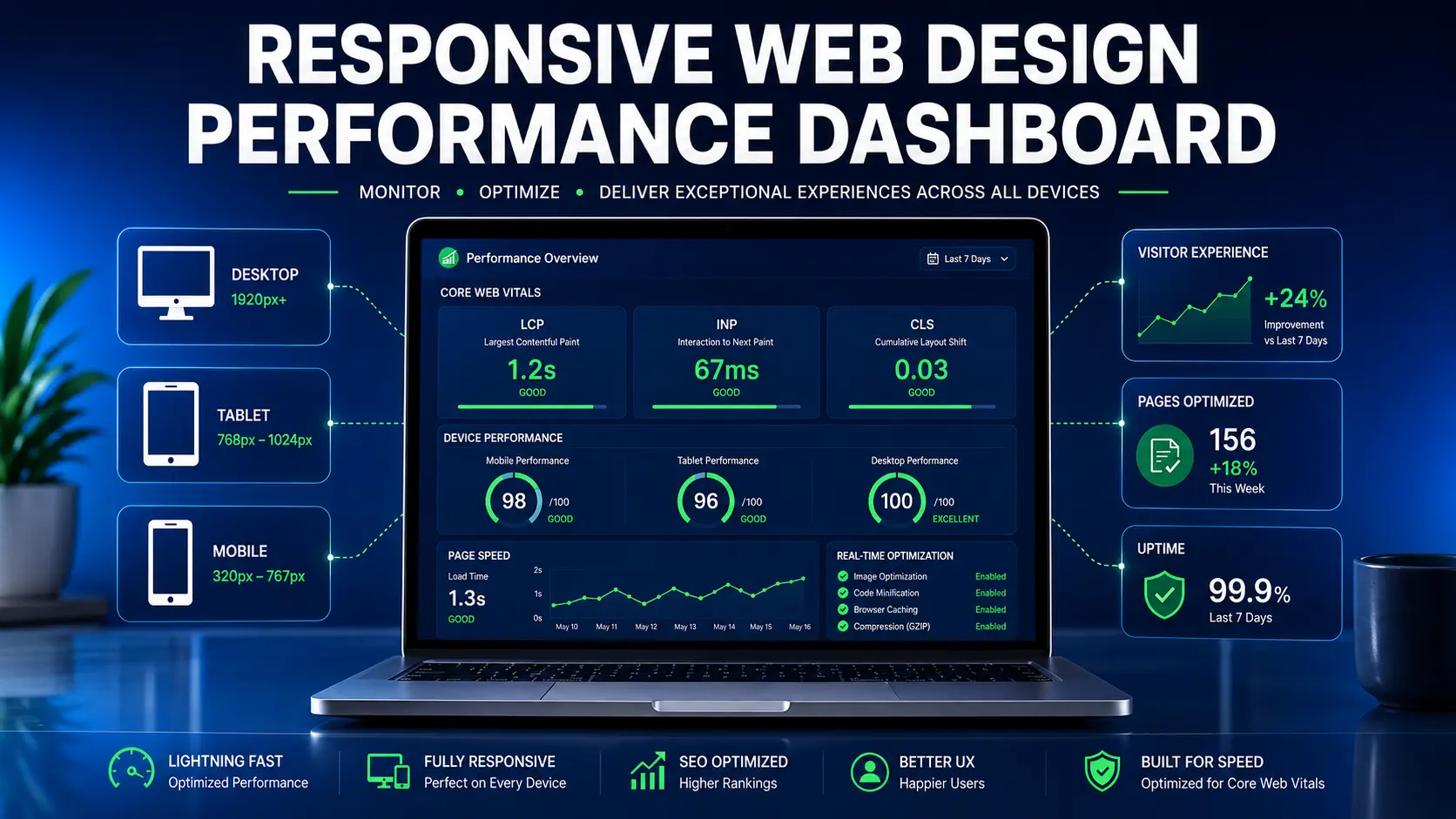
Speed is arguably the single most important UX metric a responsive site has. A beautifully adaptive layout doesn't matter much if it takes five seconds to load on a typical mobile connection, and search engines penalize slow, unstable layouts directly through metrics like Google's Core Web Vitals.
Responsive imagery through the <picture> element or srcset serves the right image size for the right device — a phone shouldn't have to download a full 4K desktop hero image just to scale it down, which wastes bandwidth and adds real load time on exactly the connections least able to afford it.
Controlling Cumulative Layout Shift (CLS) by reserving explicit space for images, ads, and dynamic content stops a page from visibly "jumping" as assets load in, which is especially jarring and frustrating on small screens where every shift is more noticeable.
How Do You Keep Cross-Device Journeys Seamless in Responsive Web Design?
Responsive web design isn't only about a single session on a single screen — it's also about continuity across sessions and devices. Someone might browse products on their phone during a commute and finish the purchase on a laptop that evening.
Persistent state across devices — shopping carts, wishlists, saved preferences tied to a user's account — needs to sync immediately rather than resetting every time someone switches screens. This isn't a minor detail: roughly 35% of consumers start the purchase process on mobile and finish on desktop, according to cross-device commerce data compiled by Searchlab, and mobile cart abandonment rates run noticeably higher than desktop in most published benchmarks — a gap that synced state can meaningfully narrow. Teams unsure whether their own checkout flow handles this well can request a responsive UX review to check it directly.
Consistent brand hierarchy matters even as the layout itself changes between devices. Visual hierarchy, color scheme, and core messaging should stay recognizably the same, so a visitor never feels like they've landed on a different website just because they switched from a phone to a laptop.
What's the Most Common Mistake Teams Make With Responsive Web Design?
The most common mistake is treating responsive web design as a one-time technical checkbox rather than an ongoing part of the user experience. Teams often get the layout technically "responsive" — it resizes, nothing visibly breaks — and stop there, without testing whether the experience actually feels fast, intuitive, and consistent on a real device in someone's hand. A site can pass every layout test and still lose visitors if touch targets feel cramped or a cart doesn't sync between sessions.
Frequently Asked Questions About Responsive Web Design
Is responsive design the same as mobile-first design? Not quite. Responsive design is the technical method that lets a site adapt to any screen. Mobile-first design is a strategic approach that starts by designing the mobile experience first, prioritizing core features, then progressively enhancing the design for larger screens.
How does responsive web design affect SEO? It matters a great deal. Search engines operate on mobile-first indexing, so if a site's mobile experience is broken, slow, or hard to navigate, the entire domain's search ranking can suffer, regardless of how polished the desktop version looks. Page speed plays directly into this too — Google's own data has linked each additional second of load time to roughly a 7% rise in abandonment, which compounds quickly on a slow mobile connection.
Should content be hidden on mobile to save space? Generally not. If content matters enough to show desktop users, it usually matters for mobile users too. Patterns like accordions, tabs, or swipeable carousels organize information efficiently on smaller screens without removing it outright.
Do shopping carts and saved preferences really need to sync across devices? Yes, especially for any site with a multi-step purchase or signup process. Losing a cart or saved preference when someone switches from phone to laptop is a quiet but real source of abandoned conversions.
How small can text be before it hurts the mobile reading experience? There's no single universal minimum, but text that requires zooming to read comfortably is already too small. Fluid typography that scales with the viewport, rather than a single fixed mobile font size, tends to hold up better across the wide range of phone screen sizes in use today.
Does responsive web design need to be retested after a redesign? Yes. Any significant layout or content change is worth retesting across real devices, since a fix on one screen size can sometimes introduce a new issue on another that isn't obvious without checking.
What Does Good Responsive Web Design Actually Deliver?
Treating responsive web design as an afterthought is a costly mistake in a digital landscape where visitors move fluidly between devices throughout the day. A genuinely responsive, well-optimized site reduces bounce rates, supports stronger SEO performance, and removes the friction that otherwise stands between a visitor and becoming a customer.
The goal isn't a layout that merely survives different screen sizes — it's an experience that feels deliberately built for whichever device someone happens to be holding. Fluid grids, real touch ergonomics, careful typography, fast performance, and consistent cross-device continuity are what get a site there, not just a media query that technically resizes the page.
Audit Your Website's Responsive UX→
Discover Our Custom Web Design Services→