



Published 30 Aug 2025
Other CMS Development
Webtricker's CMS Development Services cover Laravel, Wix, Webflow & Ghost — we build on the platform that actually fits your project, not a one-size-fits-all te
Explore our achievements and let yourself beconvinced!
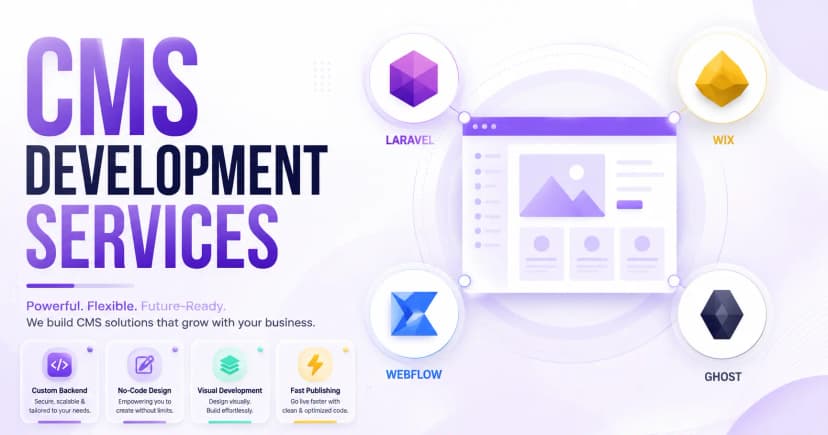
Webtricker's CMS Development Services cover Laravel, Wix, Webflow & Ghost — we build on the platform that actually fits your project, not a one-size-fits-all te
Other CMS Development
Not every business fits neatly into WordPress, and forcing it usually ends in a clunky site nobody enjoys managing. Webtricker builds on whichever CMS actually fits the job, Laravel, Wix, Webflow, or Ghost, instead of pushing one platform on every client regardless of what they need.
Quick Answer: Other CMS Development at Webtricker means building and customizing websites on Laravel, Wix, Webflow, or Ghost, four platforms chosen for different needs, from custom PHP applications to no-code design freedom to fast, distraction-free publishing.
Table of Contents:
• What Is "Other" CMS Development, and Why Does It Matter? • Why Choose a Platform-Specific CMS Instead of One-Size-Fits-All? • What CMS Platforms Does Webtricker Develop On? • How Do You Choose the Right CMS for Your Project? • Why Choose Webtricker for CMS Development? • Frequently Asked Questions
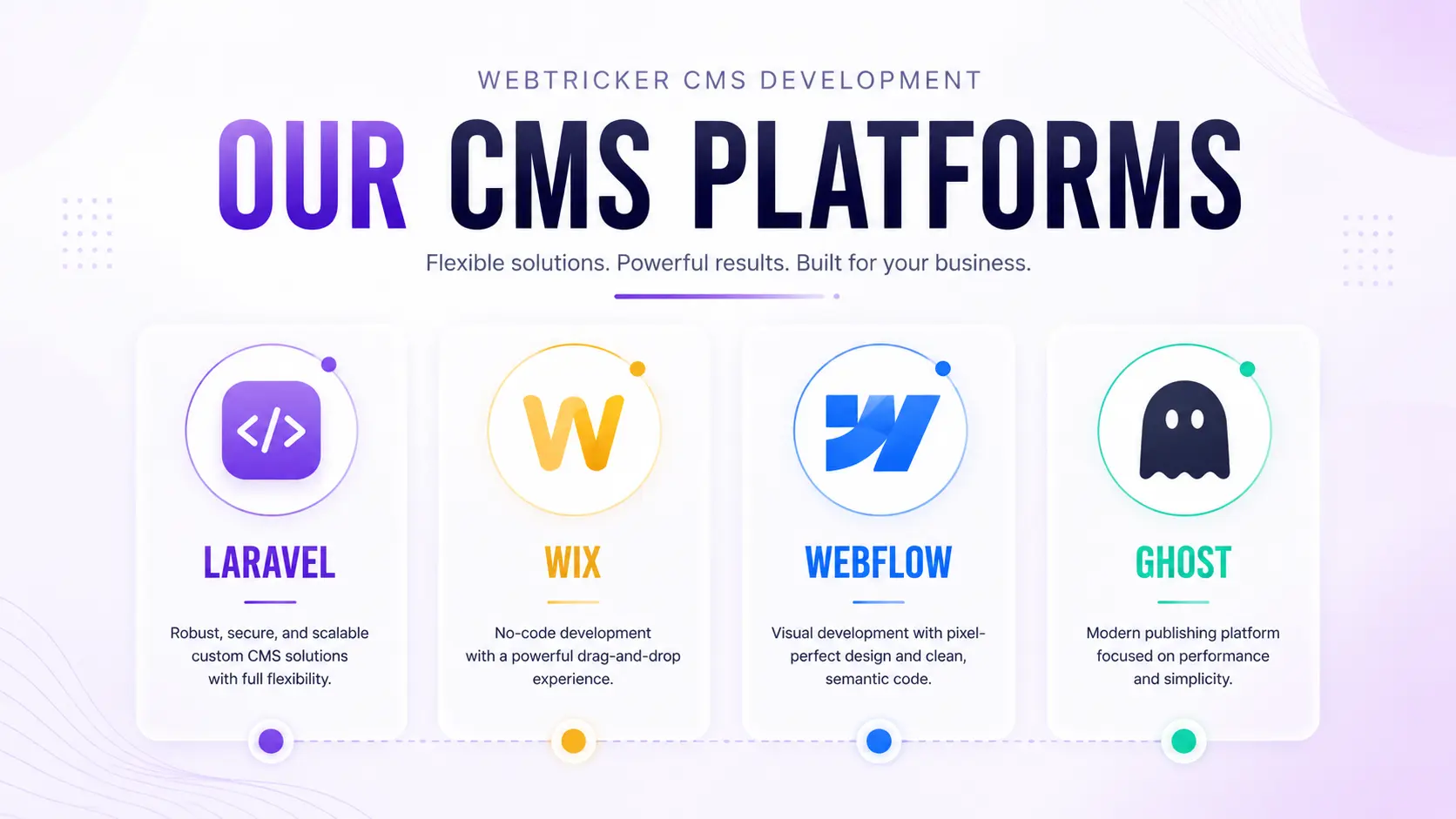
Webtricker develops on these CMS platforms:
• Laravel • Wix • Webflow • Ghost
Here's what each platform is actually good at, and how to tell which one fits your project.
What Is "Other" CMS Development, and Why Does It Matter?
A Content Management System lets you manage a website's content without touching code, storing everything in a database and rendering it on the front end. WordPress gets most of the attention, but it isn't the right fit for every project, sometimes you need more design freedom, sometimes you need a custom-coded backend, sometimes you just need to publish fast without any technical overhead.
That's where "other" CMS development comes in. Laravel, Wix, Webflow, and Ghost each solve a different version of that problem, and picking the wrong one tends to show up later as either a site that's harder to maintain than it should be, or one that can't do what you actually need.
Why Choose a Platform-Specific CMS Instead of One-Size-Fits-All?
Forcing every project onto the same platform usually means fighting the tool instead of building with it. A custom PHP application doesn't belong on a drag-and-drop builder, and a simple blog doesn't need a full framework behind it.
Matching the platform to the actual requirement, content volume, design ambition, technical complexity, tends to mean less time fighting limitations later and a site that's easier to hand off and maintain long-term.
What CMS Platforms Does Webtricker Develop On?
Four platforms, four different strengths, picked based on what your project actually needs.
Laravel
Laravel is a PHP framework built for developers who need full control, custom logic, complex integrations, and scalable architecture that off-the-shelf builders can't offer. According to JetBrains' State of PHP survey, 61 percent of PHP developers report using Laravel regularly, making it the dominant choice among PHP frameworks. We use it for e-commerce platforms and the kind of custom builds covered under our web development services, anything that needs backend logic Wix or Webflow simply weren't built to handle.
Wix
Wix trades technical complexity for speed and simplicity, a drag-and-drop editor, hundreds of templates, and zero coding required to launch. Wix now powers roughly 4.3 percent of all websites and grew more than 32 percent year over year, according to Wix usage data from Colorlib, among the fastest growth of any major platform. We build on Wix when a client wants to launch fast and manage everything themselves afterward, portfolios, small business sites, and straightforward online stores.
Webflow
Webflow sits between Wix and full custom development, visual design tools with real code control underneath, no compromise on either side. It holds a smaller overall share of the web, around 0.9 percent of all websites, but it's growing faster than any other developer-focused builder. We reach for Webflow when a client wants pixel-perfect, highly designed pages without writing HTML and CSS by hand for every section.
Ghost
Ghost strips a CMS down to what writers and publishers actually need, a clean editor, Markdown support, and nothing else competing for attention. Built-in SEO tools and fast load times mean content doesn't get held back by an interface fighting the writer, and it pairs well with our digital marketing services when content is part of a broader growth strategy. We set up Ghost for blogs, newsletters, and publications where the writing experience and publishing speed matter more than flexible page layouts.
How Do You Choose the Right CMS for Your Project?
A few questions usually narrow it down fast.
Need full custom logic or complex integrations? Laravel. Want to launch quickly and manage the site yourself with no code? Wix. Need highly designed, pixel-perfect pages with some code control? Webflow. Running a blog, newsletter, or publication where writing comes first? Ghost.
None of these are wrong choices in general, they're just better or worse fits depending on what the project actually needs to do.
Why Choose Webtricker for CMS Development?
A few things make this different from a generic "we build websites" pitch.
Real platform expertise, not just familiarity. We don't default to one CMS for every client, we match the platform to the project. Custom work, not just templates. Especially on Laravel and Webflow, our builds go well beyond out-of-the-box themes. Migration support included. Moving from one CMS to another, or off a legacy system entirely, is part of what we handle. Ongoing support after launch. Plugins, themes, security, and updates don't stop being our problem the day the site goes live.
Frequently Asked Questions
Q: How do I know which CMS is right for my project?
A: It mostly comes down to three things, how much custom functionality you need, how much control you want over day-to-day editing, and how technical your team is. We'll walk through this with you before recommending a platform.
Q: Can Webtricker migrate my existing site to a different CMS?
A: Yes. Migration from WordPress, a legacy custom build, or another platform onto Laravel, Wix, Webflow, or Ghost is a regular part of our CMS development work.
Q: Is Wix or Webflow better for a small business website?
A: Wix is usually faster to launch and easier to manage without technical help. Webflow gives more design control and is a better fit if highly custom visuals matter more than editing simplicity.
Q: Why would I choose Laravel over a no-code platform?
A: Laravel makes sense once you need custom backend logic, complex integrations, or scale that no-code platforms aren't built to handle, an e-commerce platform with unique business rules, for example.
Q: Is Ghost only for blogs?
A: Mostly, yes. Ghost is purpose-built for publishing, blogs, newsletters, and content-focused sites. It's not the right choice for a complex web application or online store.
Q: Do you provide ongoing support after the CMS site is built?
A: Yes. Updates, security, theme and plugin maintenance, and general support continue after launch, it's not a one-time handoff.
Build on the CMS That Actually Fits
The right CMS isn't the most popular one, it's the one that matches what you're actually trying to build. Whether that's Laravel's custom control, Wix's simplicity, Webflow's design freedom, or Ghost's publishing focus, Webtricker builds on the platform that fits the project, not the other way around.