

Published 15 Jun 2024
Cost-Effective Web Design for Small Business
Learn how to get cost-effective web design for small business without sacrificing quality. Discover smart strategies to build your site. Get a free quote!
Cost-Effective Web Design for Small Business
Cost-effective web design is the ultimate equalizer for small businesses. It proves you don't need a massive corporate budget to build a digital presence that looks incredible and converts visitors into loyal customers.
Quick Answer: Cost-effective web design focuses on maximizing your return on investment by using strategic platforms, templates, and streamlined development processes to create a professional, high-performing website without the bloated costs of custom-from-scratch development.
Let’s break down exactly how small businesses can secure world-class websites without breaking the bank.
What Exactly Is Cost-Effective Web Design?
There is a massive difference between "cheap" web design and "cost-effective" web design. Cheap design cuts corners, uses outdated templates, and often results in a sluggish site that hurts your brand. Cost-effective design is about working smarter.
Cost-effective web design is the process of getting a professional, functional, and visually appealing website by leveraging the right tools and strategies for your specific budget. It means not paying for highly custom-coded features you don't need, and instead utilizing proven frameworks like WordPress, or user-friendly builders, to achieve a premium look.
It’s about ROI, not just the price tag. If you spend $1,000 on a site that generates $10,000 in new business, that is highly cost-effective. If you spend $100 on a site that drives zero customers because it looks untrustworthy, that is a waste of money.
Why Is Professional Web Design Non-Negotiable for Small Businesses?
Many small business owners treat their website as an optional digital brochure. In today’s market, it is your primary storefront.
75% of consumers admit to judging a company's credibility based entirely on their website design, according to research by the Stanford Web Credibility Research team. If a potential customer lands on your site and sees a cluttered, outdated layout, they will assume your business practices are equally outdated.
Beyond first impressions, design directly impacts your bottom line. A slow, confusing website actively pushes people away. Google’s research shows that a 1-second delay in page load time can lead to a 7% reduction in conversions.
Furthermore, search engines like Google factor user experience into their rankings. If your site isn't mobile-friendly or loads poorly, you won't just lose visitors—you’ll be practically invisible in search results. Professional design ensures your site is built on a solid technical foundation that search engines actually want to rank.
How Can You Achieve Cost-Effective Web Design Without Sacrificing Quality?
Achieving a balance between cost and quality requires a strategic approach. You don't have to reinvent the wheel to get a great site.
Leverage powerful CMS platforms. WordPress powers over 40% of the web for a reason. It is open-source (free to use), highly customizable, and has a massive ecosystem of affordable themes and plugins. You get enterprise-level functionality at a fraction of the cost.
Use high-quality templates wisely. Starting with a premium template doesn't mean your site will look generic. The key is customization. By changing the typography, color palette, imagery, and layout structure, a skilled designer can make a $50 template look like a $5,000 custom build.
Utilize free or low-cost design assets. You don’t need to hire a photographer for every image. Platforms like Unsplash and Pexels offer high-resolution, royalty-free stock photography. For graphics, tools like Canva provide professional-grade design capabilities at a highly affordable price point.
Time is your most expensive hidden cost. While doing it entirely yourself might save money upfront, the hours spent learning to code, troubleshooting bugs, and fixing design flaws are hours taken away from running your business. Sometimes, paying a professional to do it right the first time is the most cost-effective choice.
What Essential Features Should Every Small Business Website Include?
When budgeting for cost-effective web design, you must prioritize features that directly impact user experience and revenue. Don't waste money on flashy animations if your core site structure is weak.
Flawless Mobile Responsiveness. This is not optional. With over 50% of all global web traffic coming from mobile devices, your site must look and function perfectly on smartphones. If text is too small to read or buttons are too close together on a phone, you are losing sales.
Clear, Intuitive Navigation. A user should be able to figure out exactly what you do and how to contact you within 5 seconds of landing on your page. Keep your menu simple—Home, About, Services, and Contact are usually sufficient for small businesses.
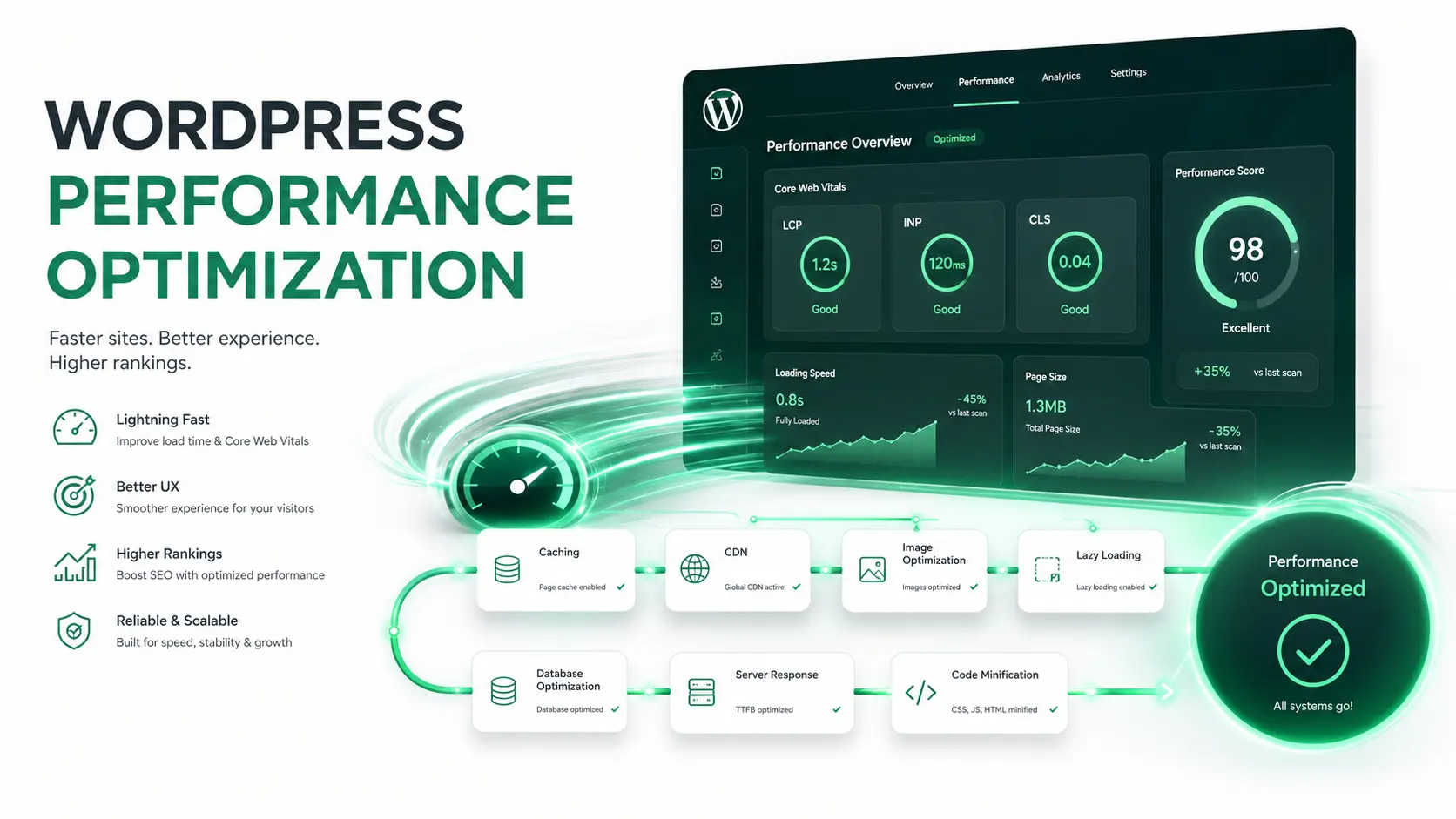
Basic SEO Infrastructure. Your site needs to be found. Cost-effective web design must include proper heading tags (H1, H2), meta descriptions, fast load times, and clean URL structures.
Strategic Calls to Action (CTAs). What do you want visitors to do? Call you? Fill out a form? Buy a product? Your CTAs should be visually distinct and placed logically throughout the site.
Fast Load Times. 53% of mobile users abandon sites that take longer than 3 seconds to load, according to Google's research on mobile page speed. Cost-effective design avoids bloated code and unoptimized images that kill your speed.
Which Industries Benefit Most from Specialized Web Design Packages?
While general web design principles apply everywhere, certain industries have specific functional needs. Seeking out industry-specific packages can be a highly cost-effective way to get the exact features you need without paying for custom development.
E-Commerce Businesses. If you are selling products, you need a design that prioritizes product imagery, seamless filtering, and a frictionless checkout process. Platforms like WooCommerce or Shopify offer pre-built templates specifically optimized for high conversion rates.
Healthcare and Medical. Patient trust is paramount. Healthcare websites need clean, calming designs that highlight credentials, provide easy access to patient forms, and integrate secure appointment scheduling systems.
Real Estate. Property listings demand high-quality image galleries and advanced search functionalities (filtering by price, location, beds/baths). Real estate templates are designed to handle large inventories without sacrificing speed.
Restaurants and Hospitality. For restaurants, the website's primary job is often to get people in the door or ordering online. Cost-effective designs for this industry focus heavily on digital menus, high-quality food photography, and integrated reservation systems.
By choosing a provider who understands your industry, you save time and money on the discovery phase, as they already know what features your audience expects.
Should You Use DIY Builders or Hire a Professional?
This is the most common dilemma for small businesses. The answer depends entirely on your budget, timeline, and technical comfort level.
DIY Builders (Wix, Squarespace, Weebly)
These platforms are incredibly cost-effective for simple needs. If you just need a digital business card to legitimize your brand—containing basic info, a contact form, and a few photos—a DIY builder can get you live in a weekend for under $30 a month.
The catch? You are limited by the platform's constraints. If you need complex functionality, custom integrations, or highly specific branding, you will eventually hit a wall.
Hiring a Professional (Freelancer or Agency)
If your website is a primary revenue driver—such as an eCommerce store generating thousands in monthly sales, or a lead-generation site for a high-ticket service—hiring a professional is the smarter financial move. Professionals understand user psychology, advanced SEO, and custom web development solutions that DIY builders simply cannot match.
The Hybrid Approach: Many small businesses find success in a hybrid model. They might purchase a premium WordPress theme and hire a freelancer solely for the initial setup, branding customization, and SEO configuration. This gives you a professional result at a fraction of the cost of a full agency build.
How Do You Maintain a High-Quality Website on a Budget?
A website is not a "set it and forget it" asset. Without maintenance, even the most beautifully designed site will eventually break, become vulnerable to hackers, or drop in search rankings.
Keep software updated. Whether it's your WordPress core, plugins, or theme, updates contain critical security patches and performance improvements. Neglecting updates is the number one way small business websites get hacked.
Perform regular backups. If your site goes down or gets infected, a recent backup is your fastest and cheapest recovery method. Many affordable hosting providers offer automated daily backups.
Monitor site speed. Over time, adding new plugins or uploading unoptimized images can slow your site down. Use free tools like Google PageSpeed Insights periodically to catch performance bottlenecks before they hurt your SEO.
Budget for ongoing support. If you aren't technically inclined, budgeting a small monthly fee for a professional web maintenance service is a highly cost-effective insurance policy against catastrophic website failures.
Frequently Asked Questions
What is the average cost of a small business website?
Costs vary wildly based on complexity. A basic DIY site can cost as little as $10 to $30 per month. A custom-built professional small business website typically ranges from $2,000 to $10,000, depending on the number of pages, custom functionality, and eCommerce requirements.
Can I build a professional website for free?
You can build a website for free using platforms like WordPress.com's free tier or Wix's basic plan, but there are significant limitations. Free plans usually display the platform's ads on your site, limit your storage and bandwidth, and prevent you from using a custom domain name (e.g., www.yourbusiness.com), which hurts your professional credibility.
Is WordPress really the best platform for small businesses?
For the vast majority of small businesses, yes. WordPress offers the best balance of cost, flexibility, and scalability. It is highly SEO-friendly and gives you ownership of your site, unlike closed platforms where you are locked into their ecosystem.
How long does it take to design a small business website?
A simple DIY website can be built in a few days. A professionally designed small business website typically takes 4 to 8 weeks from the initial discovery phase to launch, allowing time for strategy, design mockups, development, and revisions.
What is the difference between cheap and cost-effective web design?
Cheap web design focuses solely on the lowest initial price, often resulting in poor performance, bad user experience, and hidden costs down the road. Cost-effective web design focuses on maximizing your return on investment by spending strategically on the features that actually drive revenue.
Do small businesses really need a website if they have social media?
Yes. Social media platforms own your audience and can change their algorithms or shut down your account at any time. A website is digital real estate you actually own. It builds trust, establishes authority, and acts as the central hub for all your digital marketing efforts.
Invest Wisely in Your Digital Storefront
Securing cost-effective web design for your small business is about making informed, strategic choices. It’s knowing when to leverage a powerful template, when to invest in professional SEO, and when to prioritize speed over flashy animations.
Your website is an investment in your brand's future. By focusing on core functionality, user experience, and smart platform choices, you can build a digital presence that not only looks like a million bucks but actually performs like it, too.